You’re in line at the grocery store, and you see someone turn their wrist over, holding their smart watch over the payment terminal for just a brief moment before their receipt prints and they are on their way. You may have wondered how those contactless transactions occur, whether they’re safe and even whether you should try it, too.
In this article, we break down contactless payments, which are not only more convenient, but are also more secure than swiping your card. Let’s take a comprehensive look at this new technology and the advantages it offers to you as a consumer.
What is a contactless payment?
According to a forecast by Juniper Research, contactless payment transactions are expected to see a whopping 221% increase between 2022 and 2026.1 Contactless payments can easily be made either through your digital wallet on your mobile device or via contactless technology embedded directly into your debit or credit card at the point of sale.
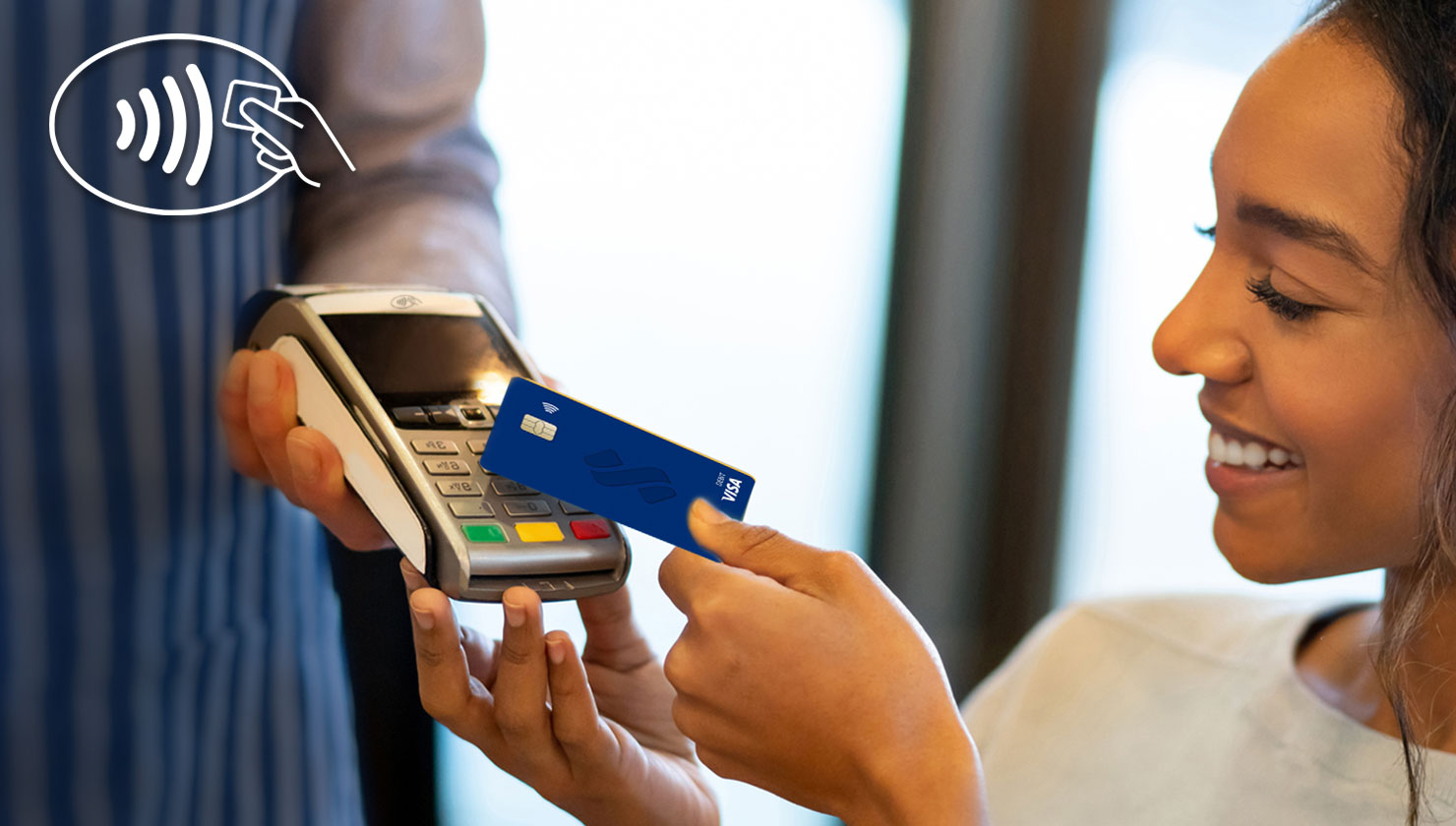
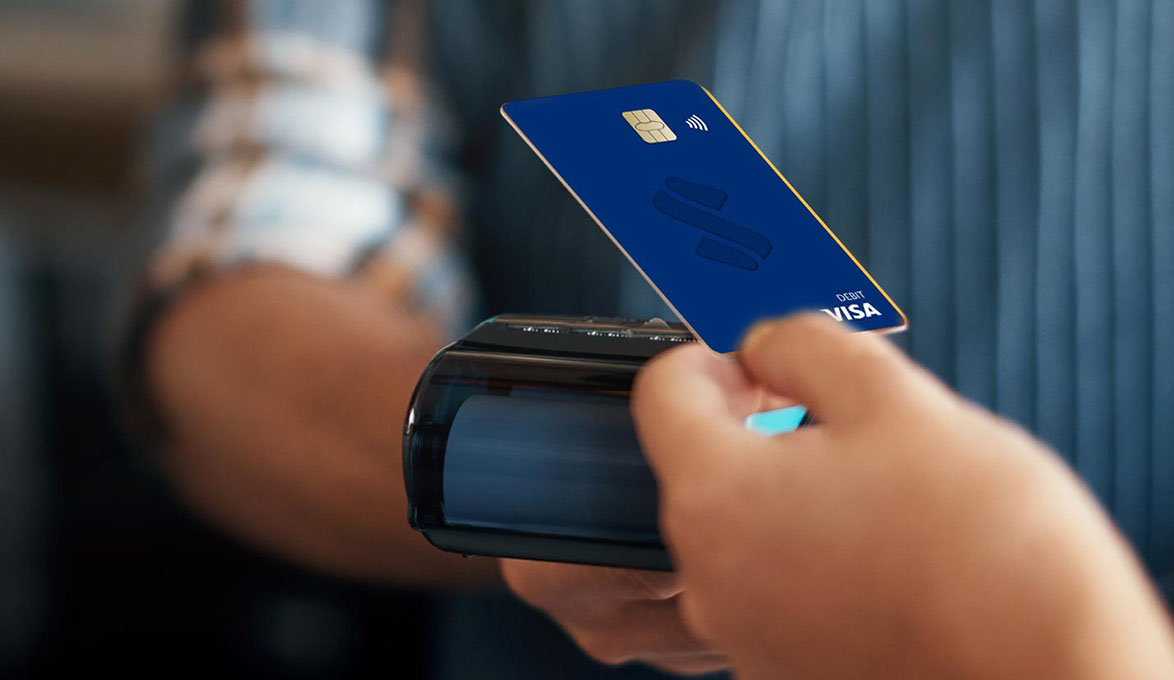
To make a purchase, simply hold your smartphone or card near the card contactless-enabled reader to complete your transaction. No swiping or inserting is necessary, your payment information stays secure, and you’re spending less time in the checkout line.
Where are contactless payments accepted?
Contactless payments are available at thousands of locations across the globe, from grocery stores, ATMs, and fast-food restaurants to your favorite local retailer. A study conducted by the National Retail Federation found 67% of merchants in the U.S. now accept some form of touch-free payment. Just look for the contactless symbol.